Admin Users
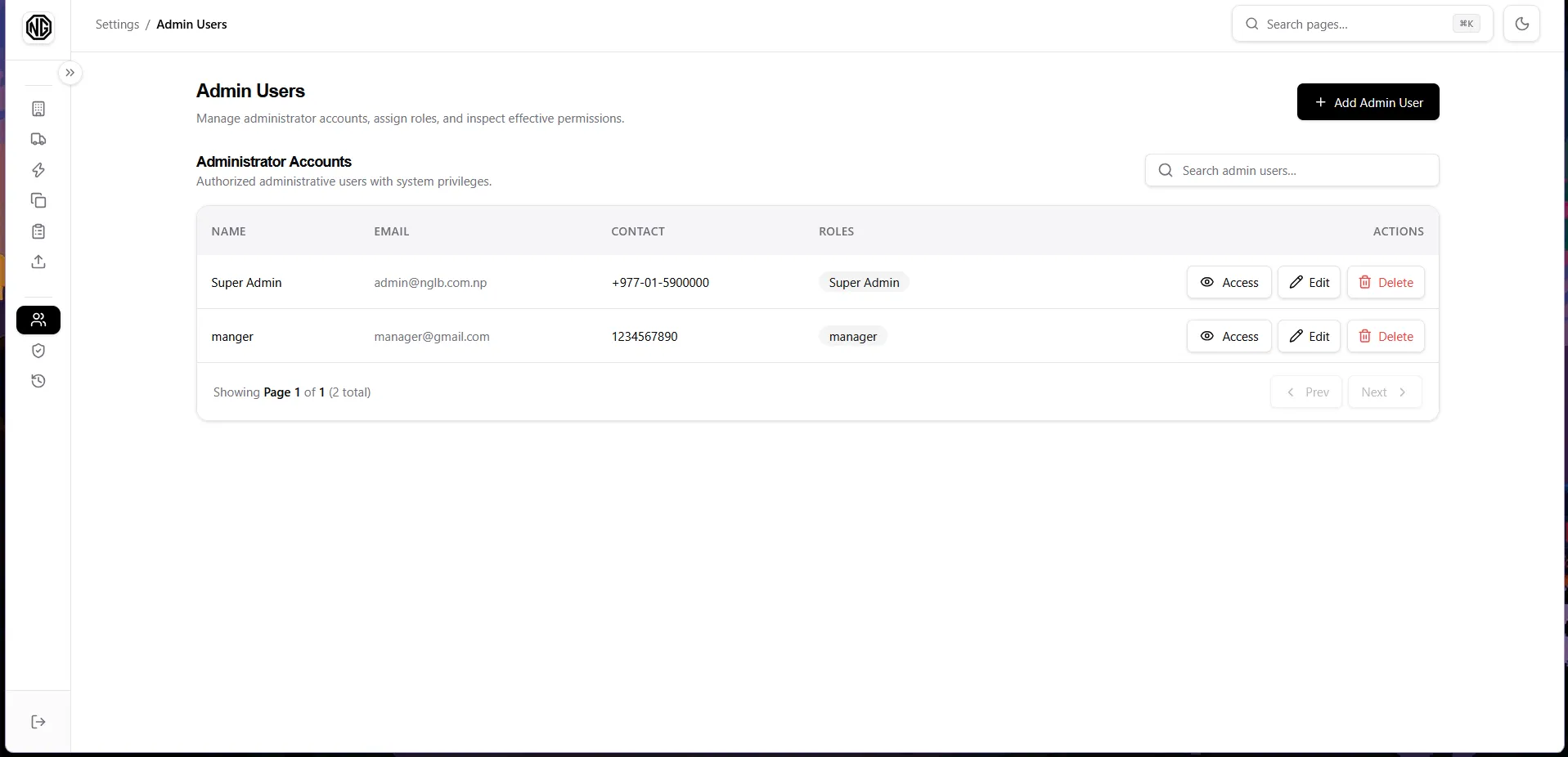
Table columns: Name (+ contact underneath), Email, Roles badges, Actions.
Permissions: admin-users.view to see the page, admin-users.create / update / delete for the actions.
Fields
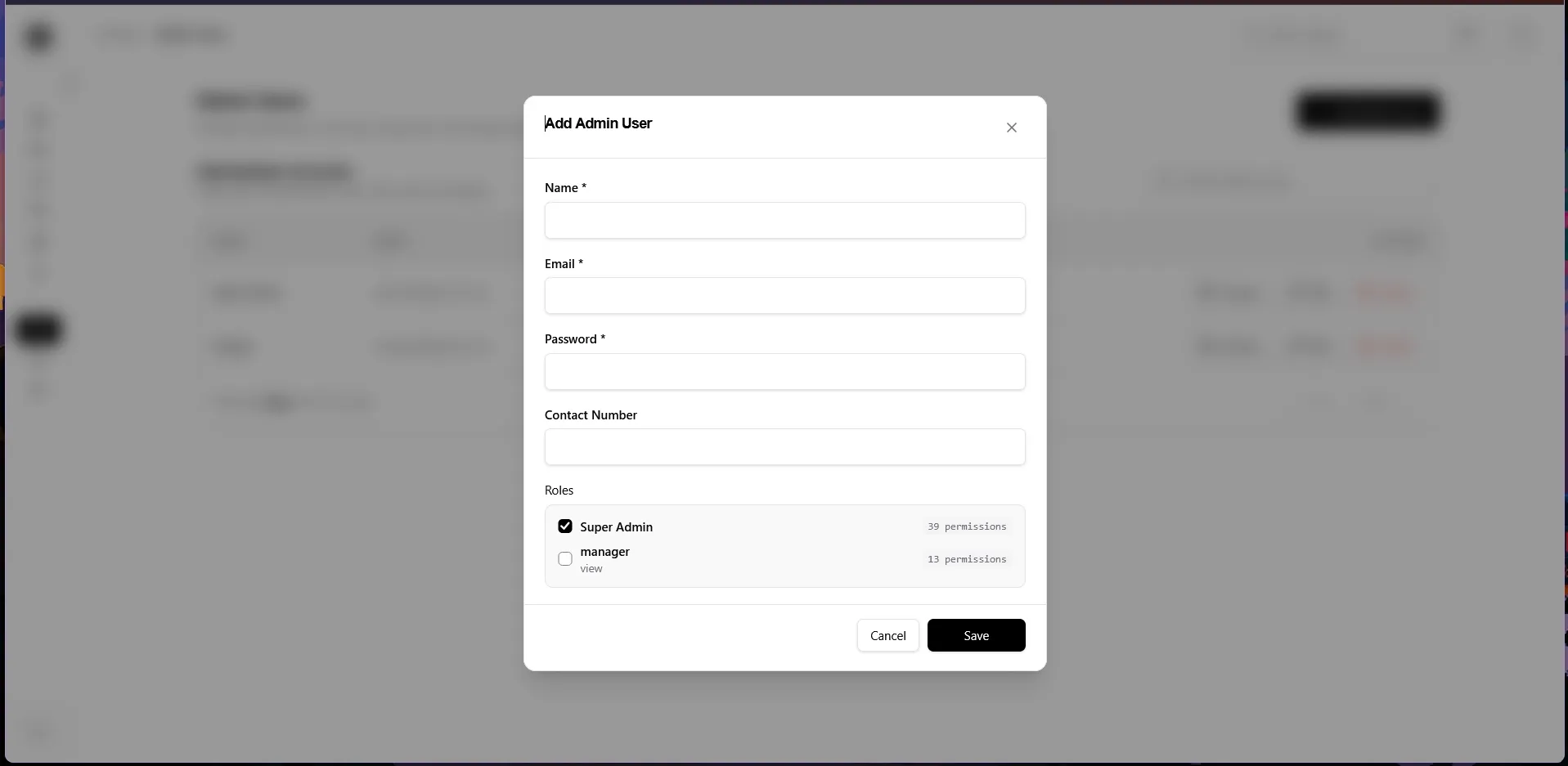
Section titled “Fields”| Field | Notes |
|---|---|
| Name * / Email * | Required, always. |
| Password * | Required on create. On edit, leave blank to keep the current password. |
| Contact Number | Optional. |
| Roles | Tick one or more roles (each shows its permission count). Admins can hold multiple roles. |
Create an admin user
Section titled “Create an admin user”- Click Add Admin User.
- Fill in the fields and tick the roles.
- Save.
Edit / Delete
Section titled “Edit / Delete”- Edit: change name, email, contact number, roles; the password field is optional — leave blank to keep the current password.
- Delete: confirm. (Your own account should generally not be deleted while in use.)