Signing In & Out
Sign in
Section titled “Sign in”- Open the NGLB - Admin URL in your browser.
- Enter your Email and Password.
- Click Sign In (click once — the button shows “Signing in…” while working).
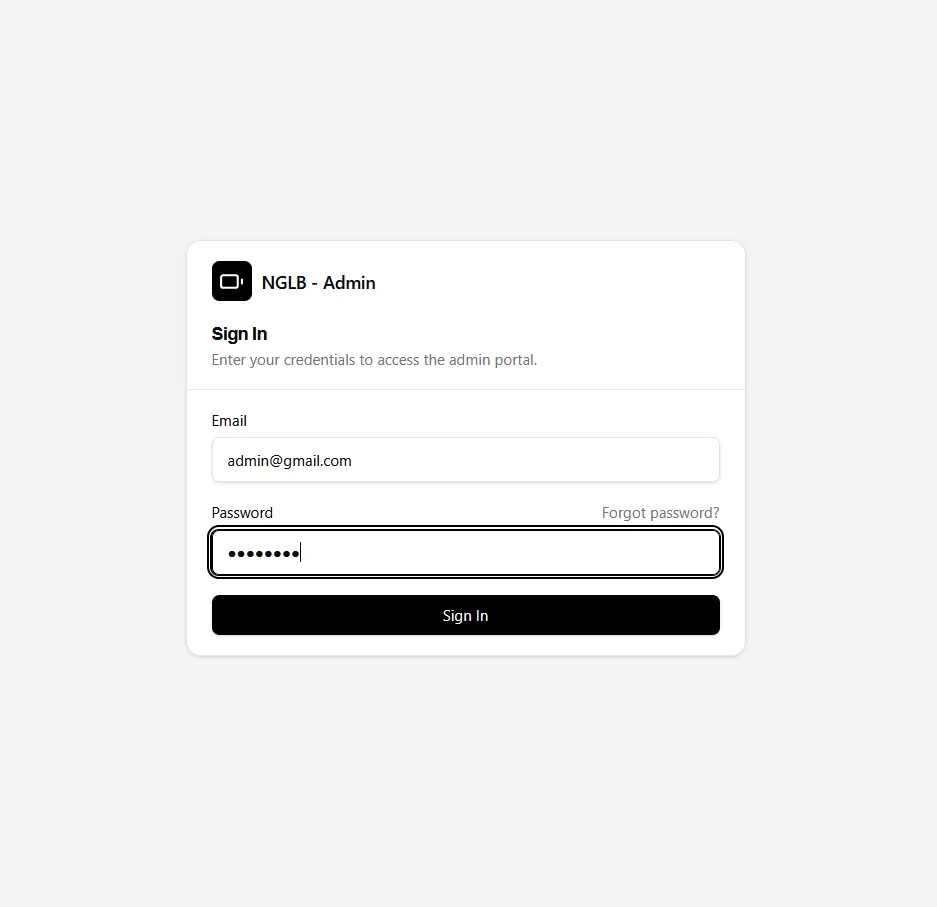
If you typed something wrong, a message appears above the form explaining the problem. Fix it and try again.
Forgot password
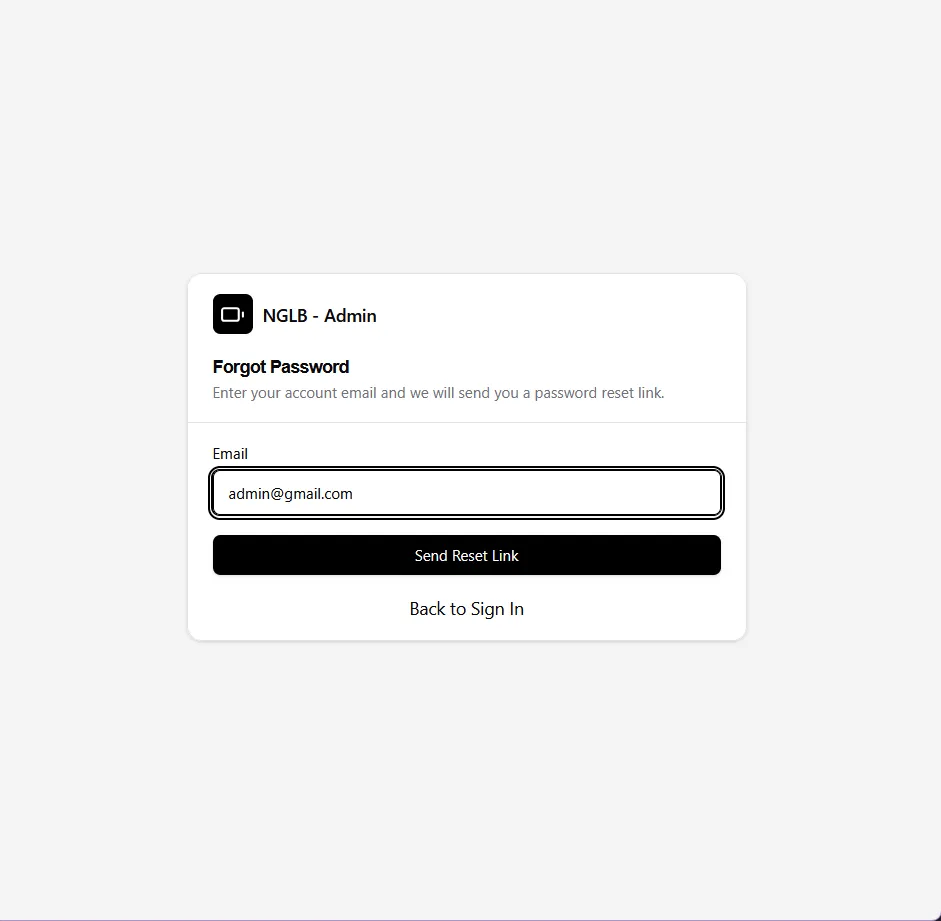
Section titled “Forgot password”- On the login page, click Forgot password?.
- Enter your registered Email and submit.
- Check your email inbox for a password reset link and follow it.
- On the Reset Password page, enter the new password twice and submit.
- Return to the login page and sign in with the new password.
Sign out
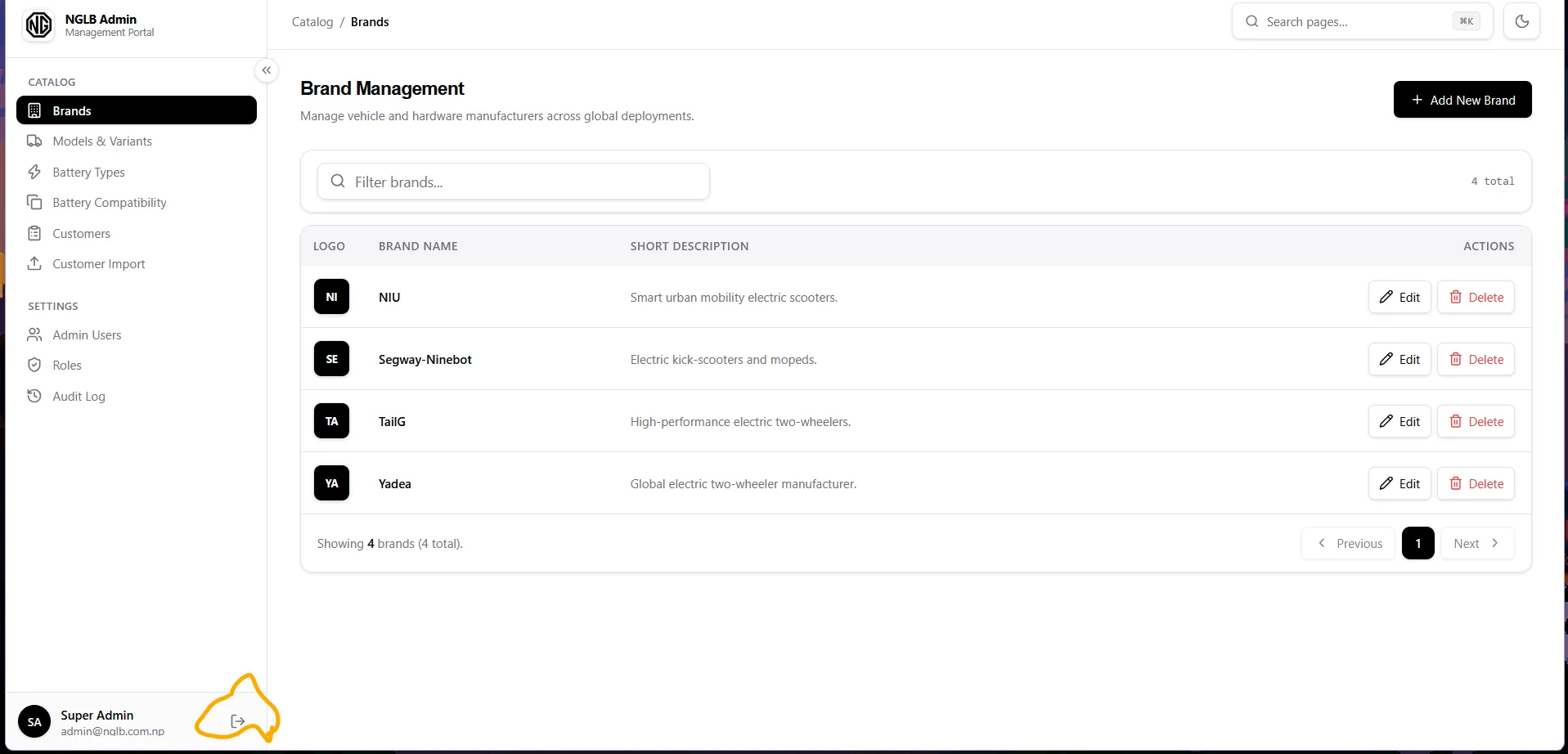
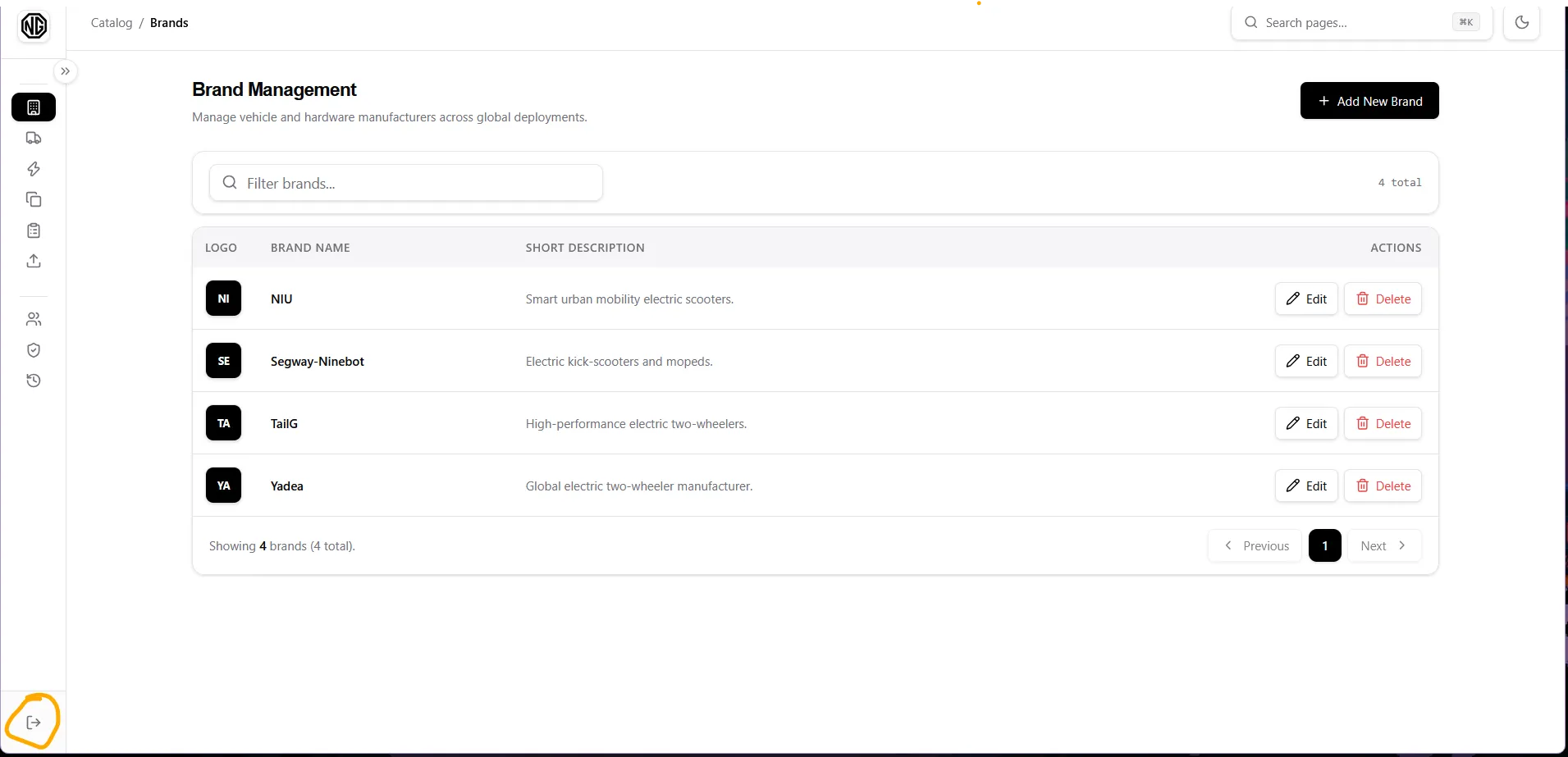
Section titled “Sign out”Click the Sign out (log-out icon) button:
- In the expanded sidebar, it sits at the bottom next to your name and email.
- In the minimized (collapsed) sidebar, it is a single centered icon at the bottom.
You are returned to the login page.