Brands
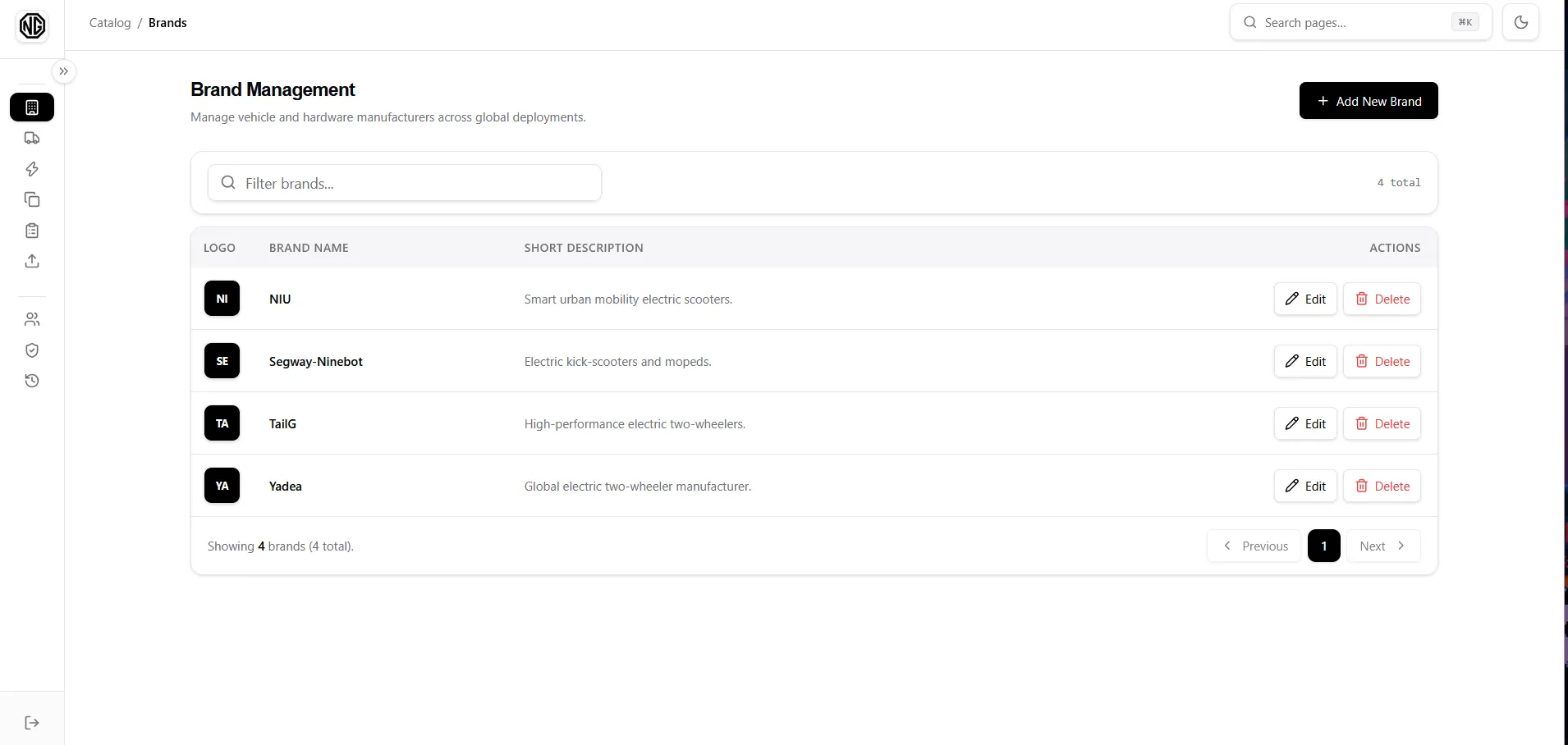
A Brand is a manufacturer (e.g. Yadea). The table shows Logo, Brand Name, Short Description, and Actions.
Permissions: brands.view to see the page, brands.create / brands.update / brands.delete for the actions.
Fields
Section titled “Fields”| Field | Notes |
|---|---|
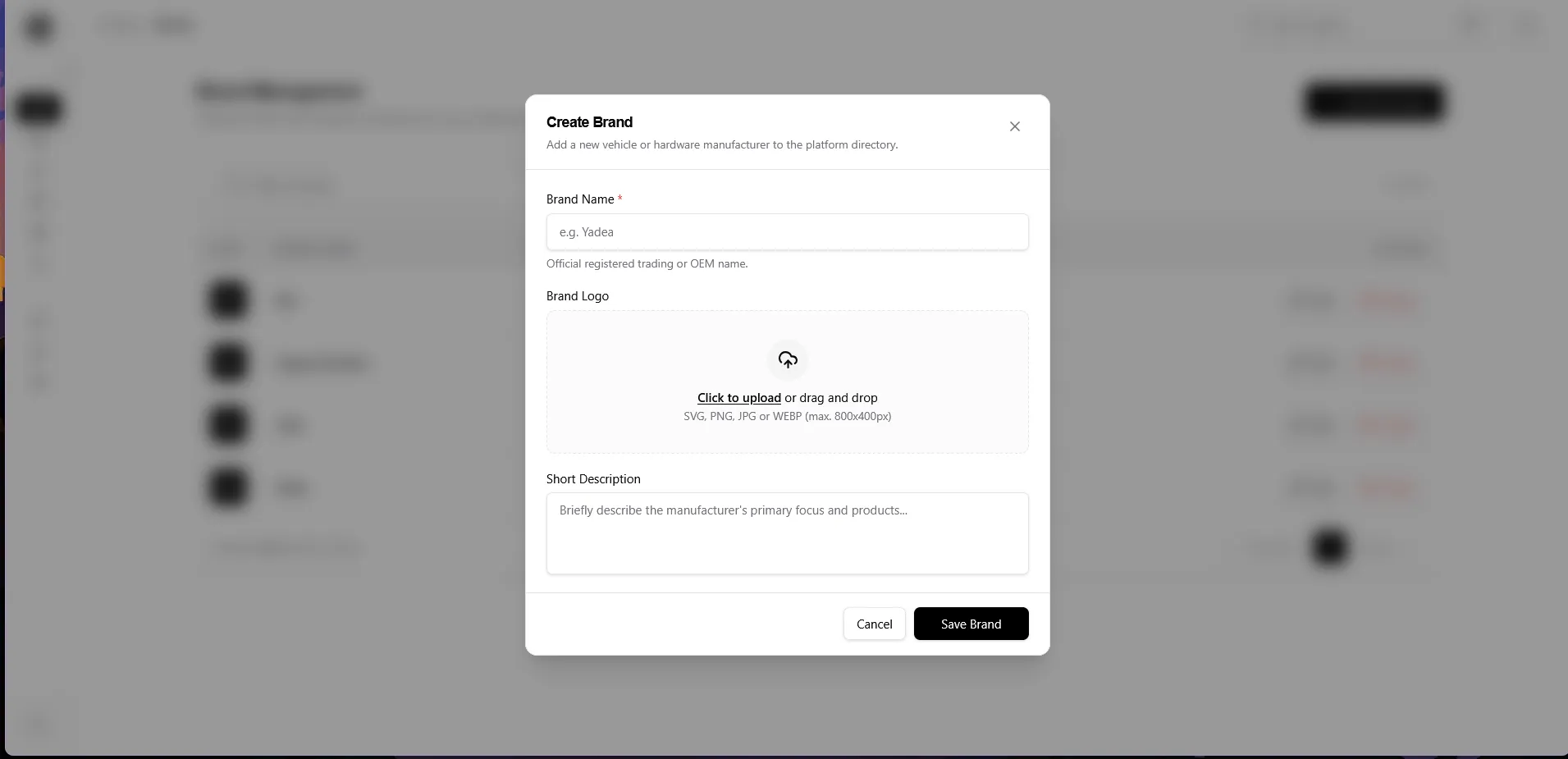
| Brand Name * | Official trading/OEM name. |
| Brand Logo | Upload SVG, PNG, JPG, or WEBP (max 800×400px). |
| Short Description | What the manufacturer makes or focuses on. |
Add a brand
Section titled “Add a brand”- Click Add New Brand.
- Fill in the name, logo, and short description.
- Click Save Brand.
Edit a brand
Section titled “Edit a brand”- In the row, click Edit.
- Change the name, replace the logo, or edit the description.
- Click Update Brand.
Delete a brand
Section titled “Delete a brand”- In the row, click Delete.
- Read the confirmation (it warns that all of the brand’s models go too) and confirm.